
- Posted on
- • Tutorials
First Steps with BlastBox Code
- Author
-
-

- User
- Ixavence
- Posts by this author
- Posts by this author
-
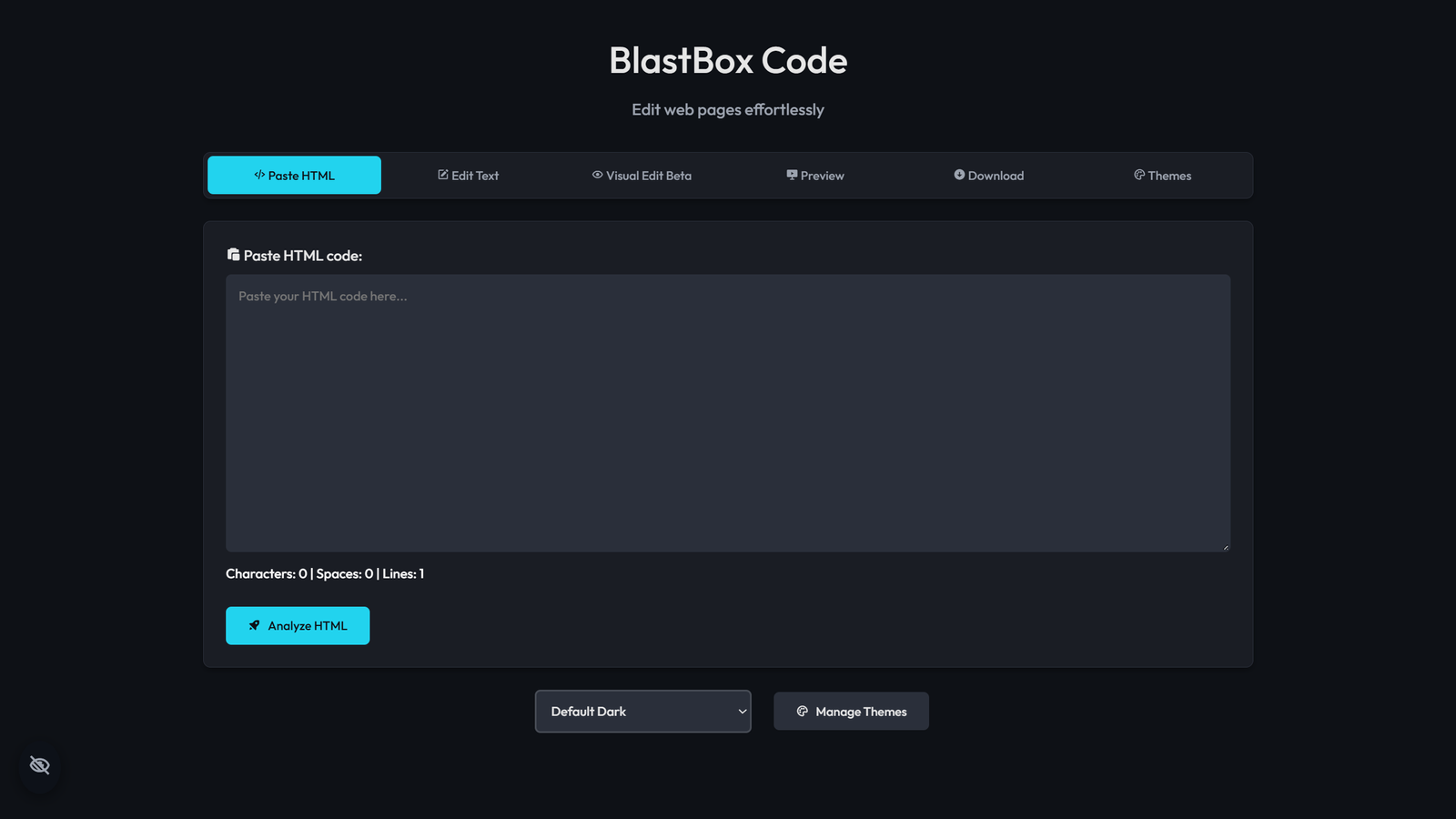
In this tutorial, you’ll learn the first steps of using BlastBox Code. So, let’s get started!
Step One
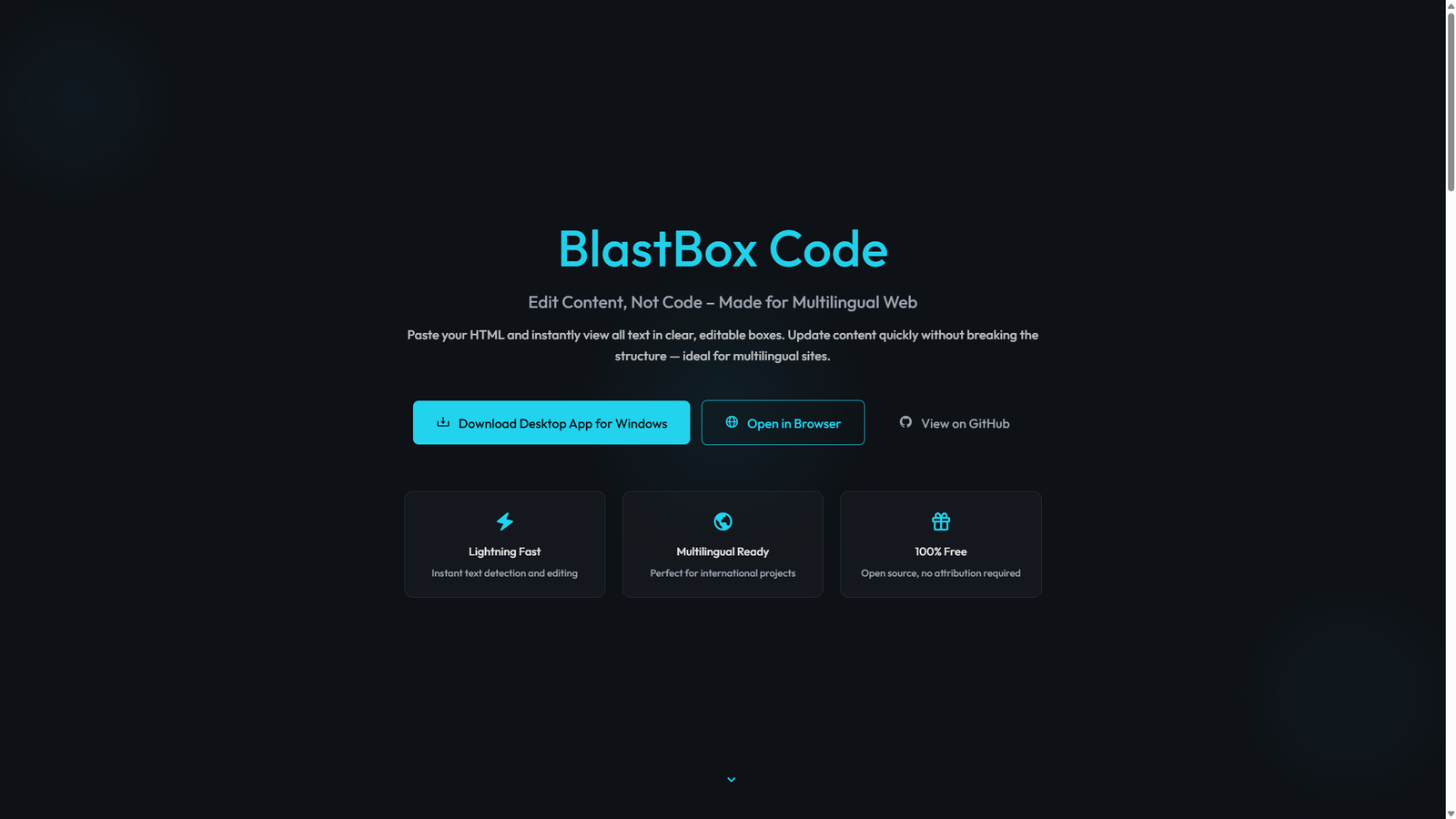
BlastBox Code is available as a Windows desktop app, directly on GitHub, and in a browser version. You can choose whichever option works best for you.
Step Two
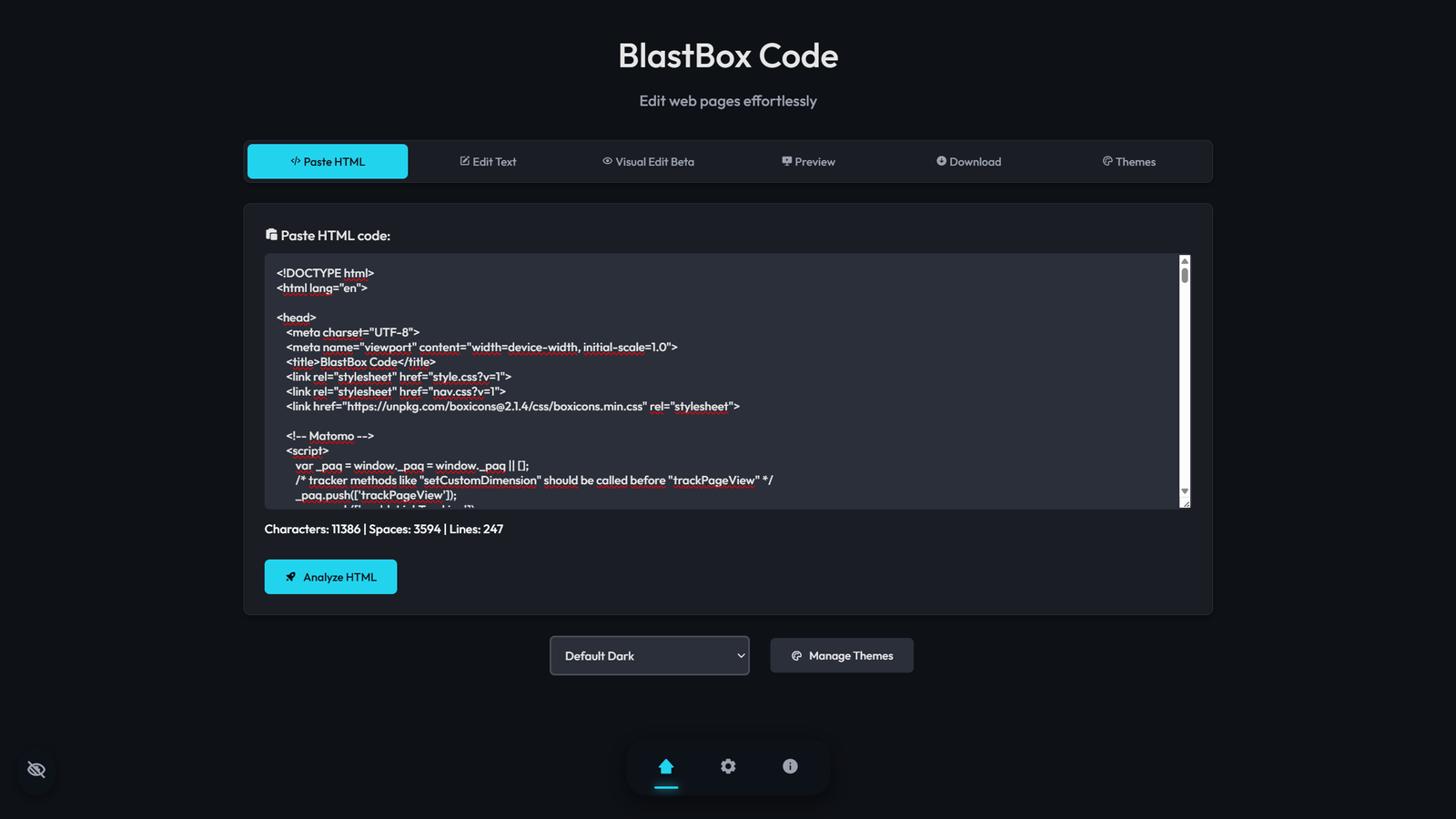
Once you open BlastBox Code, you’ll see a simple editor interface. In the Paste HTML code field, insert the code of the page you want to edit. Then click Analyze HTML and wait for the program to scan and detect all text elements.
Step Three
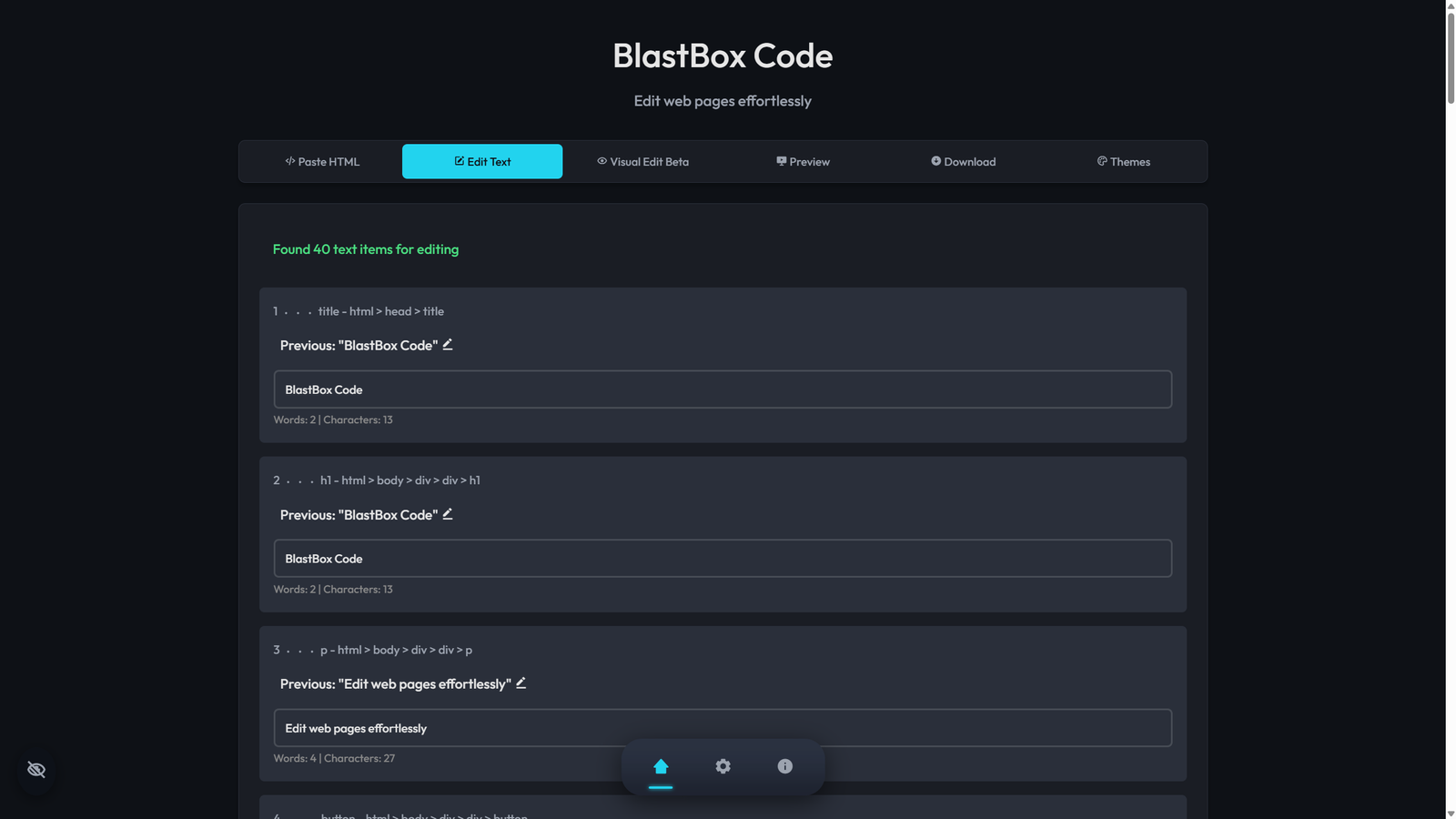
After the analysis is complete, you’ll be taken to Edit Text, where you can modify the page content. Alternatively, you can switch to Visual Edit (Beta).
The difference: - Edit Text shows all text in clean editable boxes. - Visual Edit displays the content as a real page where you can edit text directly.
Step Four
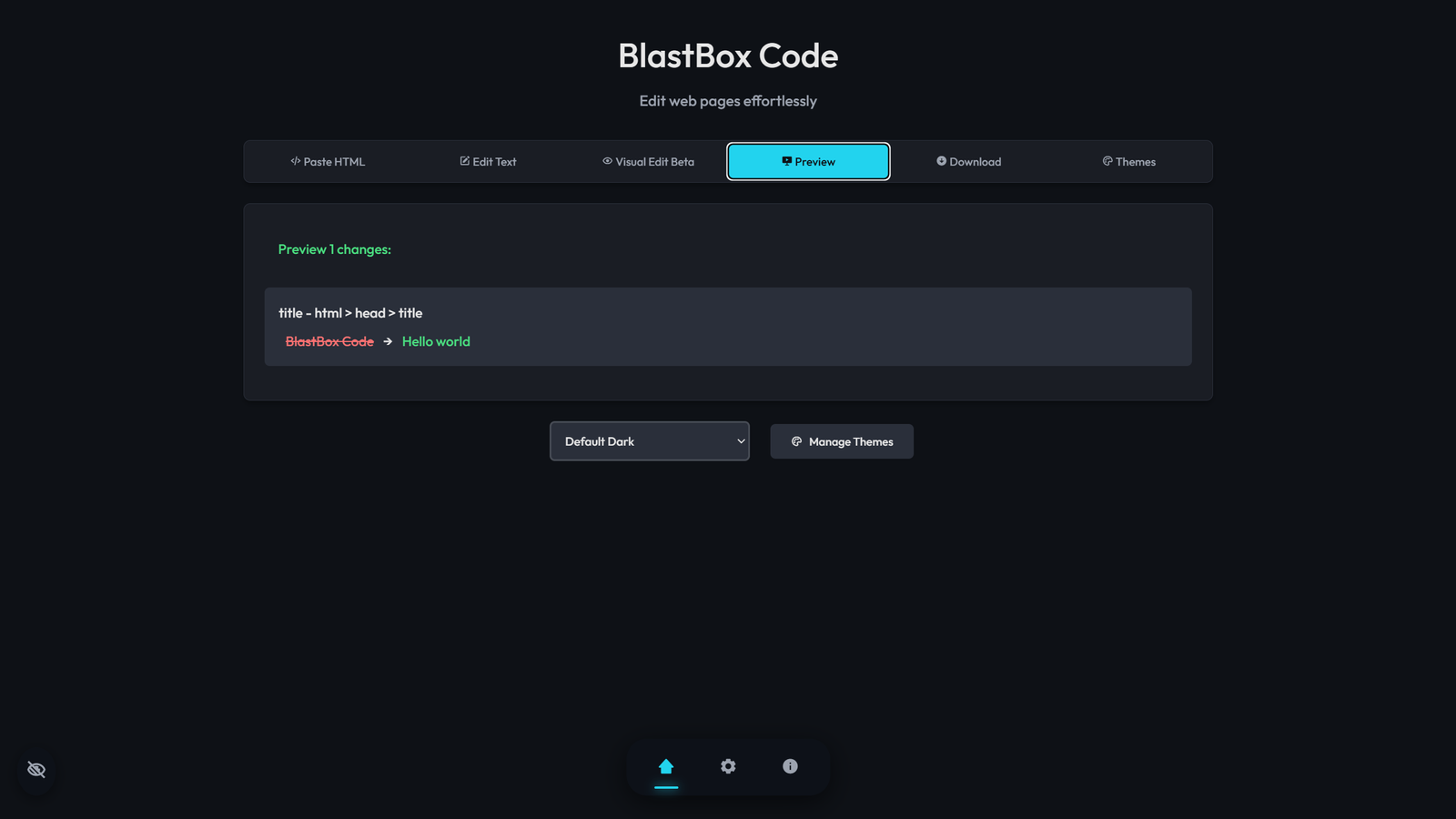
Make the changes you want to your page text, then go to Preview. Here you’ll see all the updates you’ve made.
Note: In Visual Edit, you must click Save Changes before going to preview
Step Five
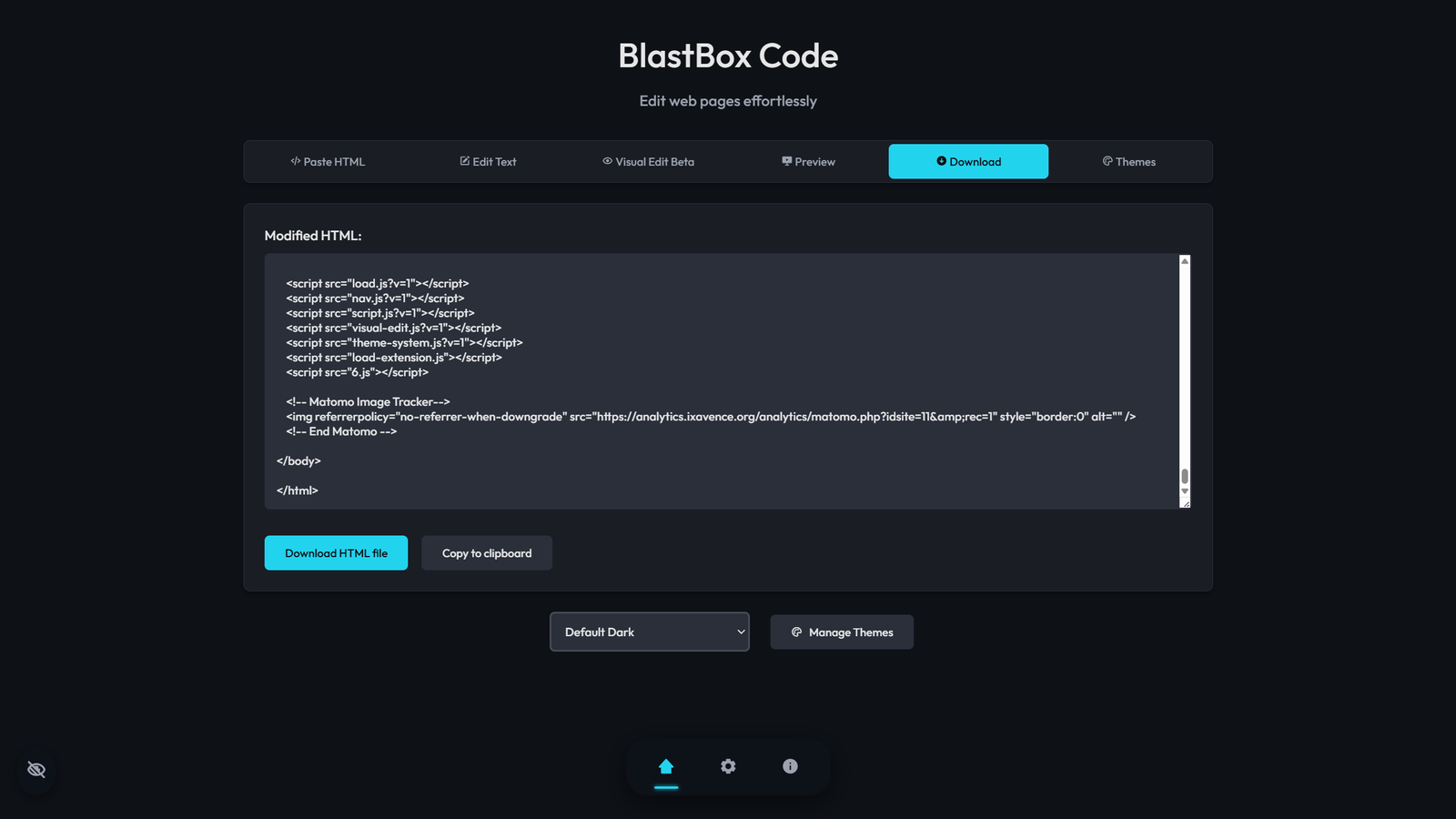
When you’re done, go to the Download section. You can either download your updated HTML file or copy it to the clipboard. Done! Your edited page is ready.